
Table of Contents
Introduction
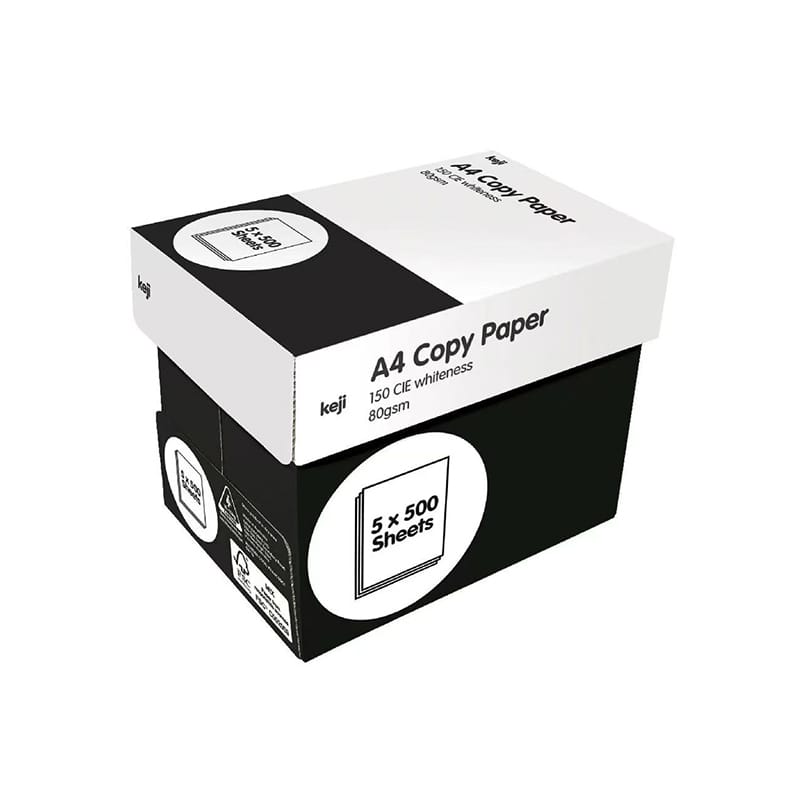
Paper for printing is a core material used in almost every printing environment, from office documentation to commercial production and branding materials. Although it often seems like a simple consumable, its structure, coating, and fiber composition directly influence how ink or toner behaves on the surface.
In practical printing systems, paper is not just a carrier of information. It determines sharpness, color accuracy, drying speed, and even printer stability. Based on printing industry testing data, variations in paper surface smoothness and fiber density can lead to measurable differences in image clarity, especially in high-resolution outputs.
From a user perspective, if you have ever noticed faded text, uneven color blocks, or frequent paper jams, the root cause is often the paper choice rather than the printer itself.
Main Types of Paper for Printing and Their Differences
Different printing needs require different paper structures. Choosing the correct type ensures stable performance and better visual results.
Coated paper is designed with a surface layer that reduces ink absorption and enhances color vibrancy. It is commonly used for marketing materials, catalogs, and visual-heavy documents.
Uncoated paper has a more natural texture, making it suitable for writing and general office documents where readability is more important than visual impact.
Matte paper provides a non-reflective finish, ideal for professional reports and presentations, while glossy paper enhances color saturation and is often used for promotional content.
Recycled paper is produced using recovered fibers and is widely adopted for sustainability-focused operations. While it may have slightly lower brightness, it performs well in everyday printing tasks.
GSM and Thickness Impact on Print Quality
GSM (grams per square meter) is one of the most important technical indicators in paper for printing selection. It determines thickness, durability, and overall handling performance.
In real production environments, GSM affects how paper passes through printers and how it holds ink or toner. Industry printing guidelines suggest that selecting the correct GSM range reduces paper feed errors and improves output consistency.
| Usage Scenario | Recommended GSM | Performance Outcome |
|---|---|---|
| Daily office printing | 70–80 GSM | Cost-efficient, smooth feeding |
| Business documents | 80–100 GSM | Balanced durability and clarity |
| Reports and presentations | 100–120 GSM | Better rigidity and appearance |
| Marketing materials | 120–170 GSM | Premium visual impact |
| Packaging applications | 170+ GSM | Structural strength and durability |
This classification is widely used in printing operations to maintain consistency and reduce machine wear.
Brightness, Whiteness, and Color Accuracy
Brightness plays a key role in how printed content is perceived. Higher brightness levels increase contrast, making text and images appear sharper.
According to printing material testing reports, papers with higher whiteness levels can improve perceived color accuracy by enhancing contrast between ink and background surface.
Whiteness also affects professional perception. Two documents printed with identical content can look significantly different depending on paper brightness alone.
Paper Surface Texture and Ink Absorption
Surface texture determines how ink or toner interacts with paper.
Smooth surfaces reduce ink spread, resulting in sharper image edges and cleaner text. Rough surfaces increase ink absorption, which is better for writing but may reduce image precision.
Inkjet printing relies heavily on controlled absorption. If the paper absorbs ink too quickly, colors may appear dull. If absorption is too slow, smudging can occur.
Laser printing depends on toner fusion through heat. In this case, surface stability is more important than absorption.
Paper for Printing in Inkjet vs Laser Printers
Different printing technologies require different paper behaviors.
Inkjet printers need paper that can absorb liquid ink evenly without spreading. Laser printers require heat-resistant paper that allows toner to bond securely to the surface.
Incorrect pairing often leads to performance issues such as:
- Uneven color distribution
- Smearing or ghosting
- Paper curling under heat
- Increased maintenance frequency
Understanding this distinction helps improve long-term printing efficiency and reduces operational costs.
Paper for Printing in Inkjet vs Laser Printers
Different printing technologies require different paper behaviors.
Inkjet printers need paper that can absorb liquid ink evenly without spreading. Laser printers require heat-resistant paper that allows toner to bond securely to the surface.
Incorrect pairing often leads to performance issues such as:
- Uneven color distribution
- Smearing or ghosting
- Paper curling under heat
- Increased maintenance frequency
Understanding this distinction helps improve long-term printing efficiency and reduces operational costs.
Paper for Printing in Commercial and Business Use
In business environments, paper directly affects document presentation and brand perception.
For internal documents, efficiency and cost control are the priority. For external communication, appearance becomes more important.
Marketing materials such as brochures or product sheets require higher brightness and smoother finishes to improve visual impact. Studies in print perception show that users often associate paper quality with brand reliability, even before reading content.
This makes paper selection an important part of business communication strategy.
Environmental Impact and Sustainable Paper Choices
Sustainability is increasingly influencing paper selection decisions.
Recycled paper reduces demand for virgin fiber and supports waste reduction systems. Based on lifecycle assessment data from printing material research, recycled paper production generally consumes less energy and water compared to traditional paper manufacturing.
However, performance trade-offs exist. Recycled paper may have slightly lower brightness and surface uniformity, which can affect high-end visual printing.
Many organizations adopt a hybrid approach: recycled paper for internal use and premium paper for customer-facing materials.
Common Problems Caused by Low-Quality Paper for Printing
Using low-quality or mismatched paper can lead to multiple operational issues.
Ink bleeding is one of the most common problems, especially in inkjet systems. Paper jams can occur when thickness or stiffness is inconsistent. Poor surface quality may also lead to uneven toner distribution in laser printing.
Over time, these issues increase printer wear and maintenance costs, reducing overall efficiency.
A structured paper selection process helps avoid these problems and ensures stable output quality.
How to Choose the Right Paper for Printing for Optimal Results
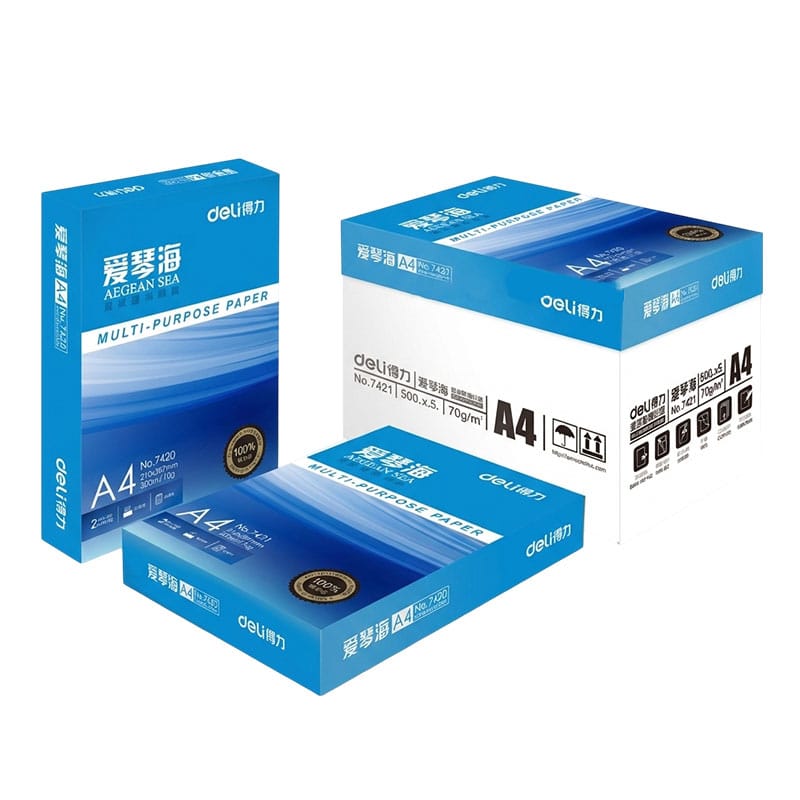
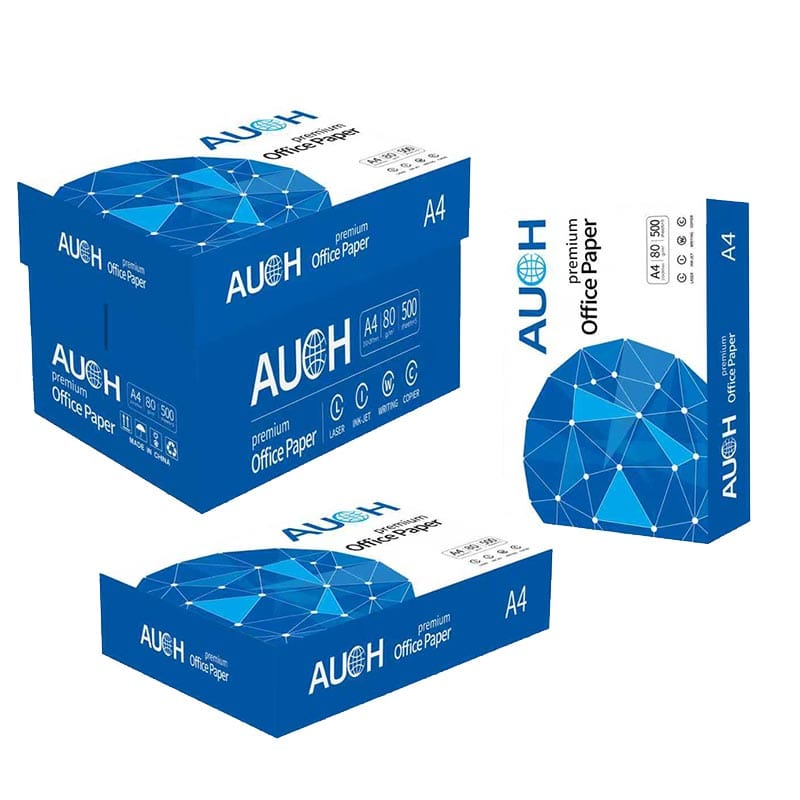
Selecting the right paper requires balancing several technical and practical factors.
A useful selection framework includes:
- Define application purpose first
- Match GSM with durability requirements
- Check compatibility with printer technology
- Evaluate surface finish based on visual needs
- Ensure supplier consistency and quality control
For example, office documents prioritize efficiency, while marketing materials prioritize visual impact. Packaging requires durability and structural strength.
Choosing paper based on application rather than price alone leads to better long-term performance and lower operational risk.
Conclusion
Paper for printing plays a critical role in determining output quality, operational stability, and overall printing efficiency. From GSM and brightness to surface texture and printer compatibility, every factor contributes to the final result. By selecting the right paper based on usage scenario and technical requirements, you can significantly improve print clarity, reduce operational issues, and achieve more consistent professional results across all printing tasks.
FAQ
What is paper for printing used for?
Paper for printing is used for producing documents, reports, marketing materials, packaging, and other commercial or office printing applications.
What types of paper for printing are available?
Common types include coated paper, uncoated paper, matte paper, glossy paper, and recycled paper, each designed for different printing needs.
What GSM is best for paper for printing?
For daily office use, 70–80 GSM is standard. For higher-quality documents, 80–100 GSM or above is recommended depending on the application.
Can paper for printing be used in all printers?
Yes, most paper for printing works with inkjet printers, laser printers, and photocopiers as long as the GSM matches the printer specifications.
How does paper for printing affect print quality?
Paper quality influences ink absorption, color accuracy, and sharpness. Better paper results in clearer, more professional-looking prints.
Need Help Choosing the Right Paper for Printing?
If you’re unsure which paper for printing is best for your office documents, commercial materials, or bulk business needs, our experts are here to help. Contact us today for a personalized recommendation, and ensure your printing quality is stable, efficient, and professional. Don’t let poor paper choice affect your results—get in touch now to find the right solution for your business!