Table of Contents
Introduction
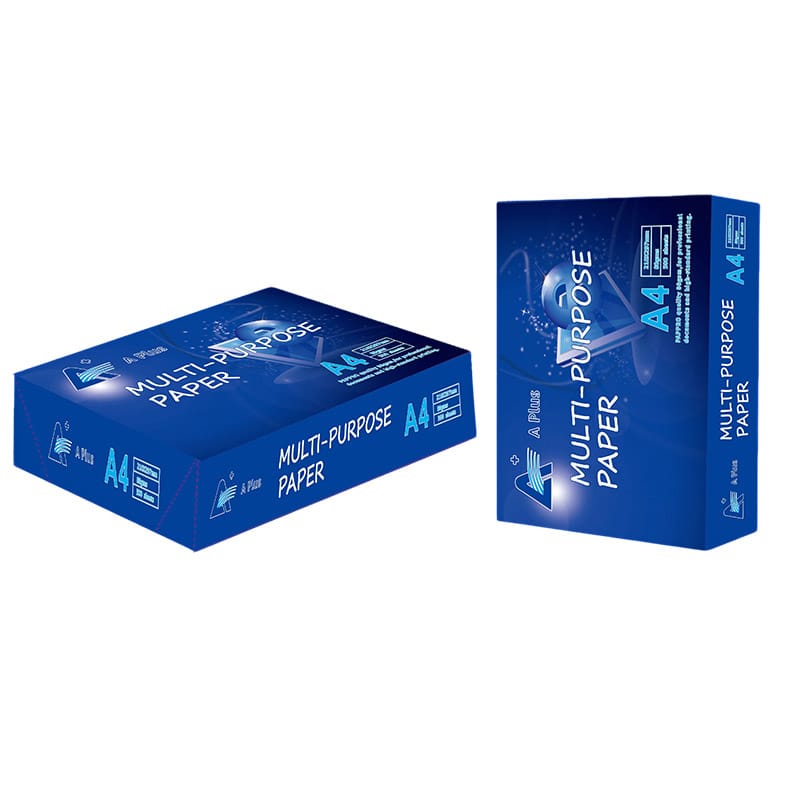
Print paper is more than a basic office supply. It directly affects print clarity, machine efficiency, and the overall quality of printed materials. Whether you are printing internal documents or external marketing materials, the paper you choose plays a key role in the final result.
In practical use, inconsistent or low-quality paper often leads to smudging, paper jams, and reduced print accuracy. Industry data from printing equipment manufacturers shows that paper-related issues account for a significant portion of printer maintenance problems, especially in high-volume environments.
Types of Paper for Printer and Their Uses
Different types of print paper are designed for specific applications.
Uncoated paper is commonly used for everyday office printing due to its affordability and readability.
Coated paper is ideal for high-quality printing, especially when images and colors are involved.
Matte paper provides a smooth, glare-free surface suitable for professional documents.
Glossy paper enhances color vibrancy, making it suitable for photos and promotional materials.
Recycled paper offers an environmentally friendly option for general use.
GSM and Thickness in Paper for Printer
GSM determines the weight and thickness of the paper, which directly impacts performance.
| Application | Recommended GSM | Benefit |
|---|---|---|
| Daily printing | 70–80 GSM | Cost-effective and efficient |
| Office documents | 80–100 GSM | Better durability |
| Presentations | 100–120 GSM | Improved appearance |
| Marketing materials | 120–170 GSM | Enhanced visual quality |
| Premium printing | 170+ GSM | Strong and professional |
Choosing the right GSM helps improve print quality and prevents mechanical issues.
Paper for Printer in Inkjet and Laser Printing
Inkjet printers require paper that absorbs ink efficiently without spreading.
Laser printers need paper that can withstand heat and allow toner to bond properly.
Using the wrong type of paper can lead to poor print results and increased maintenance costs. Matching paper with printer type is essential for optimal performance.
Key Paper Properties That Affect Printing Results
Brightness improves contrast and readability.
Smoothness affects how evenly ink or toner is applied.
Opacity prevents text from showing through on double-sided prints.
Moisture content influences paper stability during printing.
These factors collectively determine the quality and consistency of printed output.
Best Paper for Printer in Office Use
In office environments, paper must balance cost and performance.
80 GSM paper is widely used because it provides reliable results for documents such as reports, invoices, and internal communications.
Consistency in paper quality helps reduce printer downtime and maintain workflow efficiency.
Bulk purchasing is often used to control costs and ensure supply stability.
Paper for Printer in Professional Printing
For business-facing materials, paper quality directly impacts brand perception.
Higher GSM and coated paper types are commonly used for brochures, presentations, and marketing materials.
Research in print perception indicates that higher-quality paper improves how readers perceive professionalism and credibility.
Environmental Considerations
Recycled paper reduces environmental impact and supports sustainability goals.
According to lifecycle assessments in the paper industry, recycled paper typically uses fewer natural resources compared to traditional production methods.
However, it may have slightly lower brightness, which should be considered for high-end printing.
Common Mistakes in Choosing Paper for Printer
Choosing paper based only on price can lead to higher long-term costs.
Ignoring printer compatibility often results in jams and poor print quality.
Using incorrect GSM can affect both durability and performance.
A structured approach to paper selection helps avoid these issues.
How to Choose the Right Paper for Printer
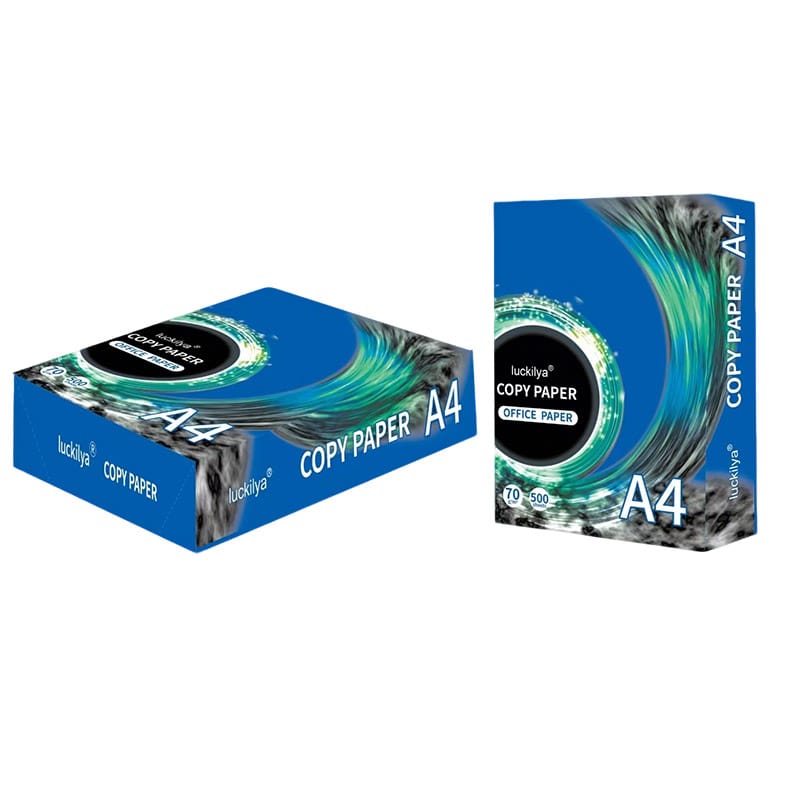
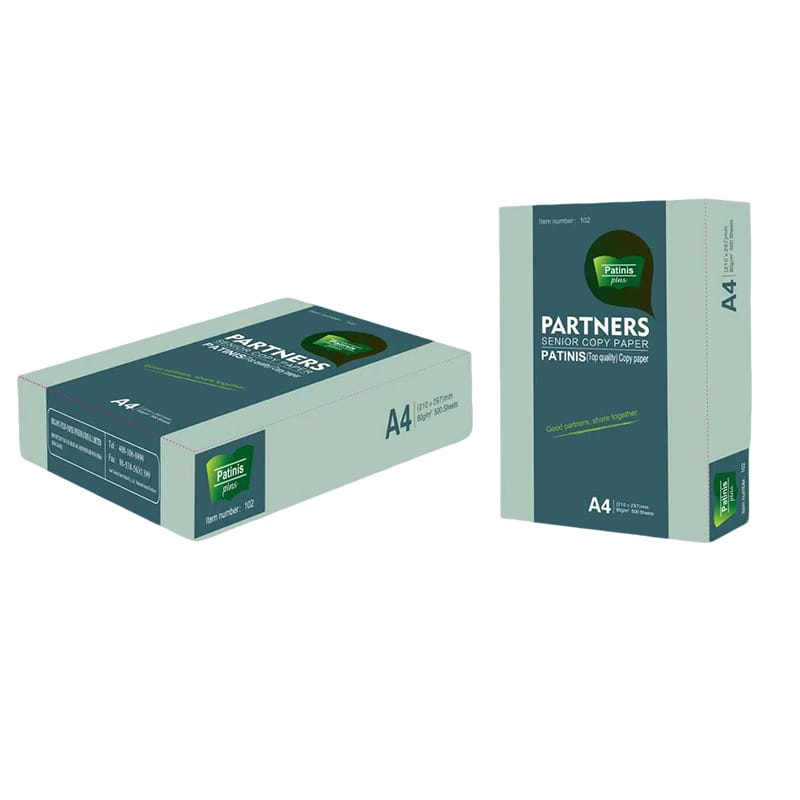
Define your printing purpose
Select the appropriate GSM
Match paper type with printer technology
Consider brightness and surface quality
Ensure consistent supply from a reliable source
This approach ensures stable printing performance and better output quality.
Conclusion
Choosing the right paper for printer is essential for achieving consistent print quality and efficient operations. By understanding paper types, GSM, and printer compatibility, you can improve performance, reduce issues, and ensure professional results across all printing tasks.
FAQ
What is paper for printer used for?
Paper for printer is commonly used for printing office documents, reports, contracts, invoices, presentations, and marketing materials. It is suitable for both daily business operations and professional commercial printing tasks.
What GSM is best for paper for printer?
For everyday office use, 70–80 GSM is the most common choice because it balances cost and performance. For higher-quality business documents and presentations, 80–100 GSM provides better thickness and durability.
Can paper for printer be used in all printers?
Yes, paper for printer can be used in most inkjet printers, laser printers, and multifunction devices, provided the paper type and GSM are compatible with the printer’s recommended specifications.
What is the difference between coated and uncoated paper?
Coated paper has a smooth surface that enhances image sharpness and color vibrancy, making it ideal for brochures and photos. Uncoated paper is better for text documents and writing applications.
Does paper quality affect printing performance?
Yes, paper quality directly affects print clarity, ink absorption, toner adhesion, and printer efficiency. Higher-quality paper helps reduce jams, smudging, and inconsistent printing results.
Need Help Choosing the Right Paper for Printer?
If you’re unsure which paper for printer is best for your office, commercial, or bulk printing needs, our experts are here to help. Contact us today for a personalized recommendation, and ensure your printing performance is efficient, reliable, and cost-effective. Don’t let poor paper choices affect your results—get in touch now to find the right solution for your business!